
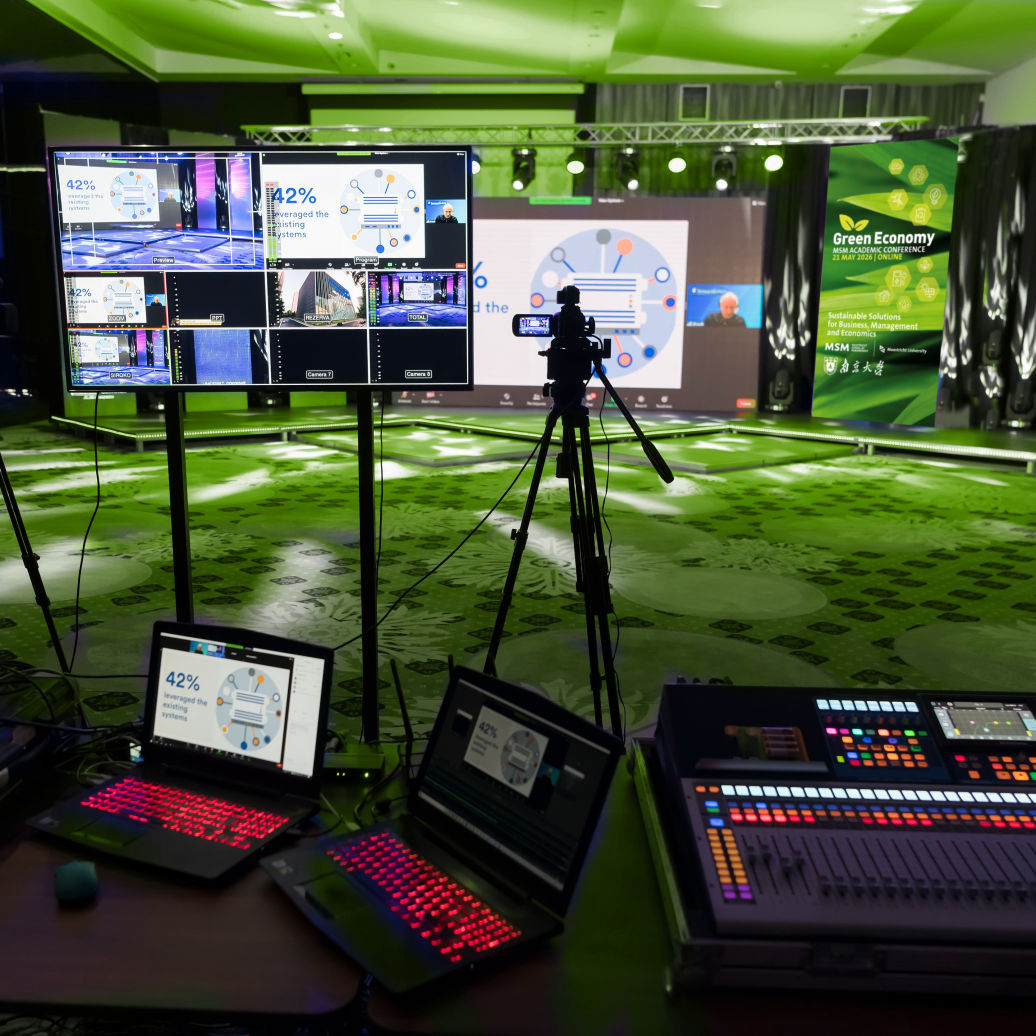
The online Academic Conference Green Economy: Sustainable Solutions for Business, Management, and Economics is organised by Maastricht School of Management (MSM) in collaboration with its longstanding partner Nanjing University.

The Green Economy represents a new paradigm that promotes sustainable development while fostering economic growth, innovation, and responsible management of natural resources. In this conference, we invite scholars and practitioners from the fields of business, management, and economics to explore the intersection of environmental sustainability and economic strategies.
The online conference aims to foster interdisciplinary dialogue, innovative solutions, and best practices for achieving a green economy in an increasingly complex global environment. The conference will offer a platform for the exchange of ideas, research, and case studies that address the role of businesses, governments, and societies in transitioning toward sustainable economic systems.
In the keynote addresses and the paper presentations, the conference will address the following six themes:
1. Corporate Sustainability and Green Innovation
2. Green Finance and Investment
3. Sustainable Supply Chain Management
4. Public Policy and Regulation for Green Growth
5. Green Technology and Digital Transformation
6. Behavioural Economics and Consumer Preferences in the Green Economy
To join the online Academic Conference,
please use the link button below.
Please note that this is the Zoom link for the whole conference. In case you do not use Zoom yet, make sure you create a (free) Zoom account before the event takes place. Please create the account/login with the same email address that you have registered for the parallel sessions where the papers are being presented.
We are expecting a large number of attendees. That is why we would like to ask you the following:
• Keep your microphone muted. Your microphone will be put on mute by default when you enter the session.
• Use the Q&A box to ask questions during the keynote speeches:
if questions pop up during the keynote speeches, don’t hesitate to ask them right away but make use of the Q&A functionality. The speaker will answer your question during the live Q&A.
• Use the Chat box to ask questions during the paper presentations:
If questions pop-up during the paper presentations in the breakout room, please ask them by using the Chat functionality. The paper presenter will answer your question after the presentation during the live question and answer session.
• Raise your hand button. If you prefer to ask a question verbally during the Q&A or paper presentation directly to the keynote speaker or paper presenter, click Raise Hand in the webinar controls in Zoom. The host will be notified that you have raised your hand. If the host allows you to talk and if time allows, you may be unmuted by the meeting host.
• Switch on your camera. Non-verbal cues are an essential part of communication that gets left out without the ability to see someone. Turning on your camera during a conference allows you to maximise the communication channel adding more sentiment and expressions that spice up the discussion.
Please note
The plenary sessions of the Academic Conference will be recorded, the parallel break-out sessions will not be recorded.